
SKYMATTIX SCANS ·
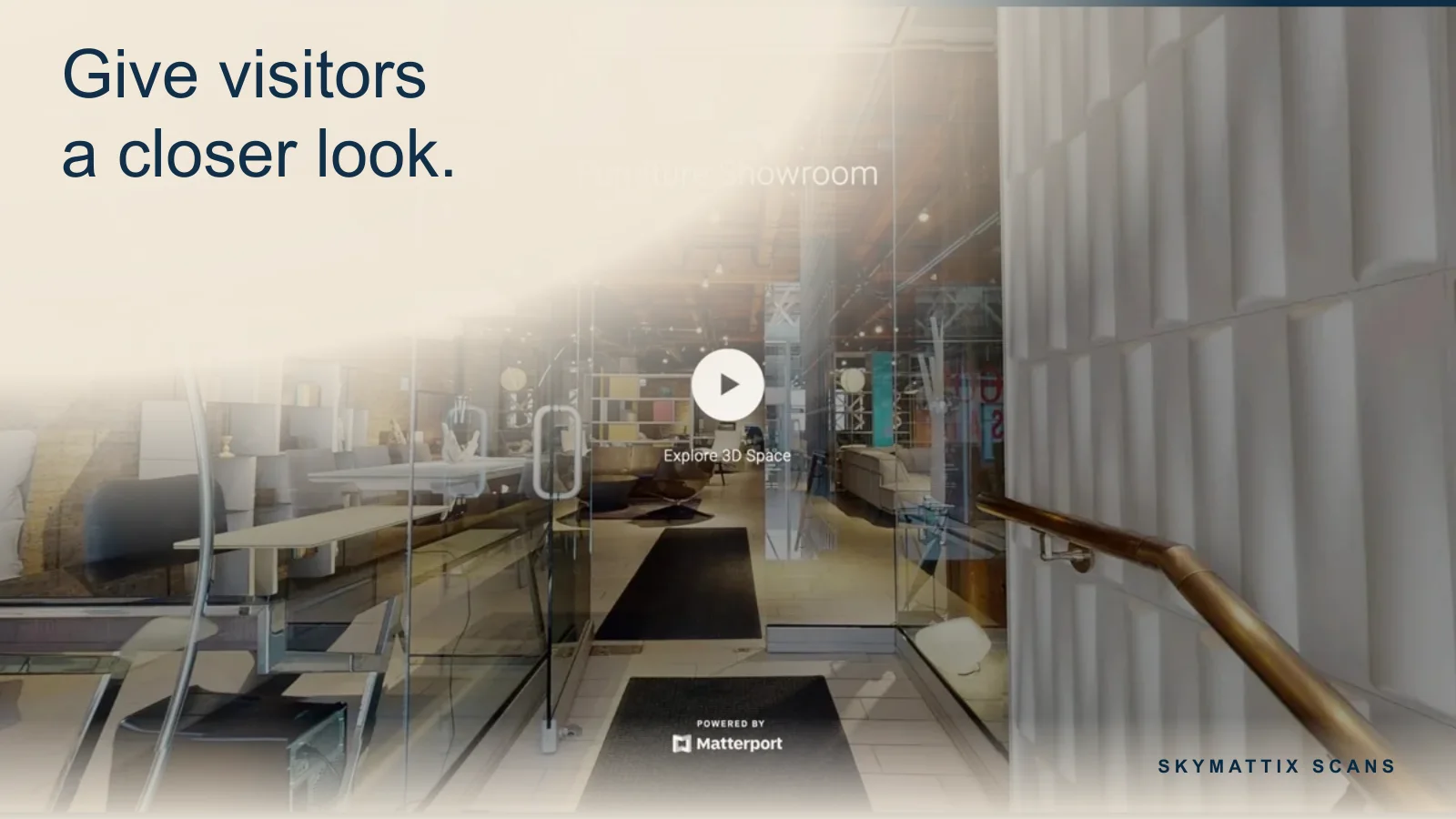
A customer browsing a venue or property online often wants to answer a practical question. Can guests move easily from the reception area to dinner? Does the available suite have a meeting room near the entrance? A walkthrough gives that visitor the freedom to explore the part of the space that matters to them.
Let people explore on their own schedule
A hosted tour opens from a link, including when your sales team is away from the desk. A prospective visitor can look around on a phone or computer and share the same view with a colleague or family member who will help make the decision.
Use the tour where customers make decisions
Put a restaurant tour on the private events page, a suite tour on its listing or a showroom tour beside the appointment form. Keep the next step close to the walkthrough. Ask a planner viewing a venue to tell you their event date, for example, so your team can follow up with availability.
Give your team a reusable sales resource
When someone asks about an amenity, your team can share the tour and direct them to the relevant area. Review any labels or links over time. If the physical space changes, ask us whether a return visit is needed to show the new layout.
Start with the finished experience
Tell us which questions your customers ask before a visit and which rooms help answer them. We scan the space and deliver a hosted link you can use in listings, emails and on your website. Optional tags can point visitors to the details or enquiry pages you approve.